Thursday, 12 October 2017

ULearn 2017 - Day 2: Cultural Inclusiveness

Cultural Inclusiveness in a mainstream setting - Breakout 5

Presenters: Bruce Jepsen (Principal)
                   Tane Bennet (DP)
Te Akau ki Papamoa School (Tauranga)

Mihi to start from presenters to share their backgrounds.
School has doubled in last 10 years.
Papamoa is fastest growing region in area.
One to one digital school. Apple distinguished school.
Digital integrated school.
40% Maori students. 9 years ago they were a failing school.
Decided to take a culturally inclusive approach. Use programmes on ipad e.g. keynote.
Tech is a tool, not a distraction
Now is top 2% of achieving schools in the country. All teachers are apple recognised teachers.
Do all own PD to build capacity of teachers.
DP (Paula Jamieson) also runs a maker space, coding, robotics
Every child has an ipad provided by the school

School roll = 600-700 students
Teacher needs to have an understanding of child’s culture. Students feel good about it if their culture is acknowledged.

Radio station has been the driver behind Te Reo Maori.
Te reo maori taught on a daily basis for the past 6 years - based around identity and language.
Stats show that almost half of Maori students (48%) will achieve less than level 2 NCEA when they leave school

What is your vision for their future?
Disproportionate failure of Maori students
Teachers make the greatest impact

Self identity is important, especially for urban Maori. Do they know where they come from?
Displaced. Relationships are important.
Maori student achievement is the priority
Set high expectations

Leadership e.g. board, clear vision, goal is to raise Maori achievement

Vision: Identity, Culture, Maori achievement
A non threatening culture is critical
Identity: on enrolment kids culture/iwi is identified. Barrier = some parents did not list where they were from. Sense of belonging is important. 32 different iwi, biggest group is Nga Puhi.
Map of NZ and names of families from diff areas/iwi. New students are connected to other students who come from that area.

All students reconnect including non-Maori.
Send letter to each iwi to acknowledge identity of child.

Great breakout. Not about the tech that appealed to me but the about the lengths to which they are inclusive of culture and are passionate about raising achievement for Maori.
Radio TAKP FM Radio. Lessons in class to learn language.
Students can call into the radio station with a question live. Live radio feed across the school.
Non maori are embracing culture
school/child created apps on ipad
Nearpod

“The culture of the child can not enter the classroom until it enters the consciousness of the teacher”

ULearn 2017 - Day 2: SPARK MIT Presentation

On Day 2 of ULearn 2017 our SPARK MIT group presented at ULearn in Hamilton at the Claudelands event centre. Dorothy Burt had already set up the main presentation which appeared on a gigantic screen. We were given a briefing about the order of our presentations and a quick reminder that the audience would be given time to ask questions after every speaker. Each presentation would be delivered in the style of an ignite talk which meant that we would have 20 slides at 20 seconds each.


I was first up after Dorothy's presentation. I was confident that my presentation would be ok because I had already delivered much of the same information earlier at the Manaiakalani Hui. The main focus of my inquiry was about my experience with the use of the Paideia Seminars and my Year 5 & 6 Extension group. My goal was to use the Paideia method to improve critical thinking skills.

At the end of my presentation the floor was opened to the audience to ask questions. One of the questions asked was 'Why did you decide to use the Paideia method with your students?' My answer referred to the fact that we have many Maori and Pacific Island students at our school and that developing oral language skills was a key skill that needed to be developed amongst our students. Another question was 'How did I assess the students using SOLO?' In my reply I talked about the fact that the Paideia seminars were videoed so that I could analyse the footage and what the students said. I could then plot the answers according to the types of responses that the students had. This determined where the students sat on the SOLO framework in regards to their level of thinking.


After my presentation and question and answer session, the other SPARK MIT teachers delivered their presentations. Each of them spoke about their inquiries and findings which were all quite impressive. Angela was the only other teacher from Pt England, Dot and Hinerau were from Tamaki College, Troy was from Papakura College, Kelsey was from a cluster in Christchurch and Alicia was from a cluster in Northland.

Overall I think that the SPARK MIT group of 2017 did a great job. We all connected well with each other and enjoyed our ULearn experience. Thanks to SPARK and Manaiakalani for supporting us and for providing us with this experience. I am also really grateful to the help, guidance and support that I received from Anne Sinclair throughout my inquiry this year.


ULearn 2017 - Day 2: Brad Waid Keynote Speaker

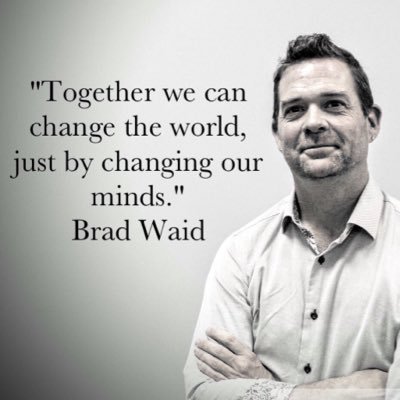
Brad Waid - Keynote speaker


Engaging the “Globally” connected student of today.
Augmented Reality - captures students, engages them
What are kids learning? Where? Role as educators? What are kids sharing?
Are we preparing students for their future or our future?
You never know what will change a student’s life


Story about Justin (selective mute). Provided with opportunities to share/speak in a non threatening way - able to share/explain learning using an ipad
Impact of social media is massive. 50% of world population is under the age of 30. Power of social media
League of Legends game - massive in Asia - 23% of kids play this game
Compared to Minecraft - 2% of kids playing
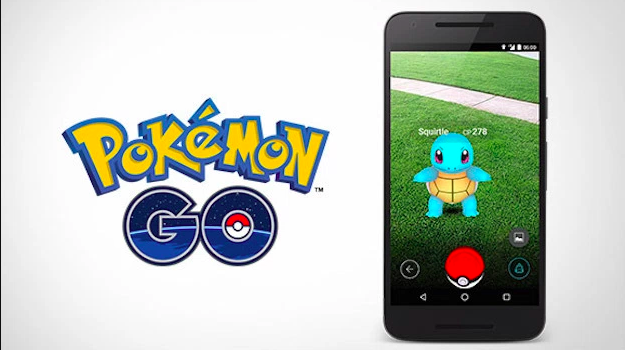
Pokemon Go - First time screen and real world combined, encourages kids to go outside. Leveraged tech for really good outcomes
Youtubers: uses power of the internet to share with a wide audience
Shared lots of interesting and inspirational videos
Coke video - connecting people in India and Pakistan. Showed how technology was used to break down barriers and connect people.
Commercial of Dad learning English to read sons book
Important in how you treat people- relationships are important


One simple R.U.L.E - acronym


Overall I enjoyed this keynote with Brad Waid. He seems to be well connected with a wide online presence. I thought that it was good that he shared some of his personal experiences with students and how a piece of useful technology opened up a whole new world of potential for some students.


Professional profile (straight from ‘Best Keynote’ site)
Brad is an International speaker, influencer and educator with over 15 years of classroom and industry experience.  He is an industry leader in Educational Technology, 21st Century Learning, Culture and Innovation, Augmented Reality & Emerging Technologies.  He is a consultant to industry, education and government.  Brad is called on by industry to assist in marketing and telling the story of a product or a company, he assists school districts and educational conferences in applying technology into education, and he works with government agencies to improve education for all students.
He is one of the Co-Founders of AR Detroit, a Co-Founder of Two Guys and Some iPads blog, he is the Co-Host of the wildly popular  “Two Guys Show”, a consultant to start-ups from Silicon Valley to New York, he works with government agencies and he has been honored by the National School Board Association as one of the “20 to Watch” in Educational Technology, a program that identifies emerging education technology leaders who have the potential to impact the field for the next 20 years.  Brad’s knowledge of educational technology, his ability to assist industry and government and his passion to inspire educational change, makes him a highly sought after speaker and influencer who makes an impact where ever he goes.

Wednesday, 11 October 2017

ULearn 2017 - Day 1: Future Focused Learning

Future focused learning - a design thinking workshop to prepare your school for the new digital technology curriculum

Presenter: Paula Hay (N4L), Zoe Timbrell (OMGTech), Kawana Wallace, Patrick Lalor, Vivian Chandra, Geoff Bentley, Wiremu Wallace

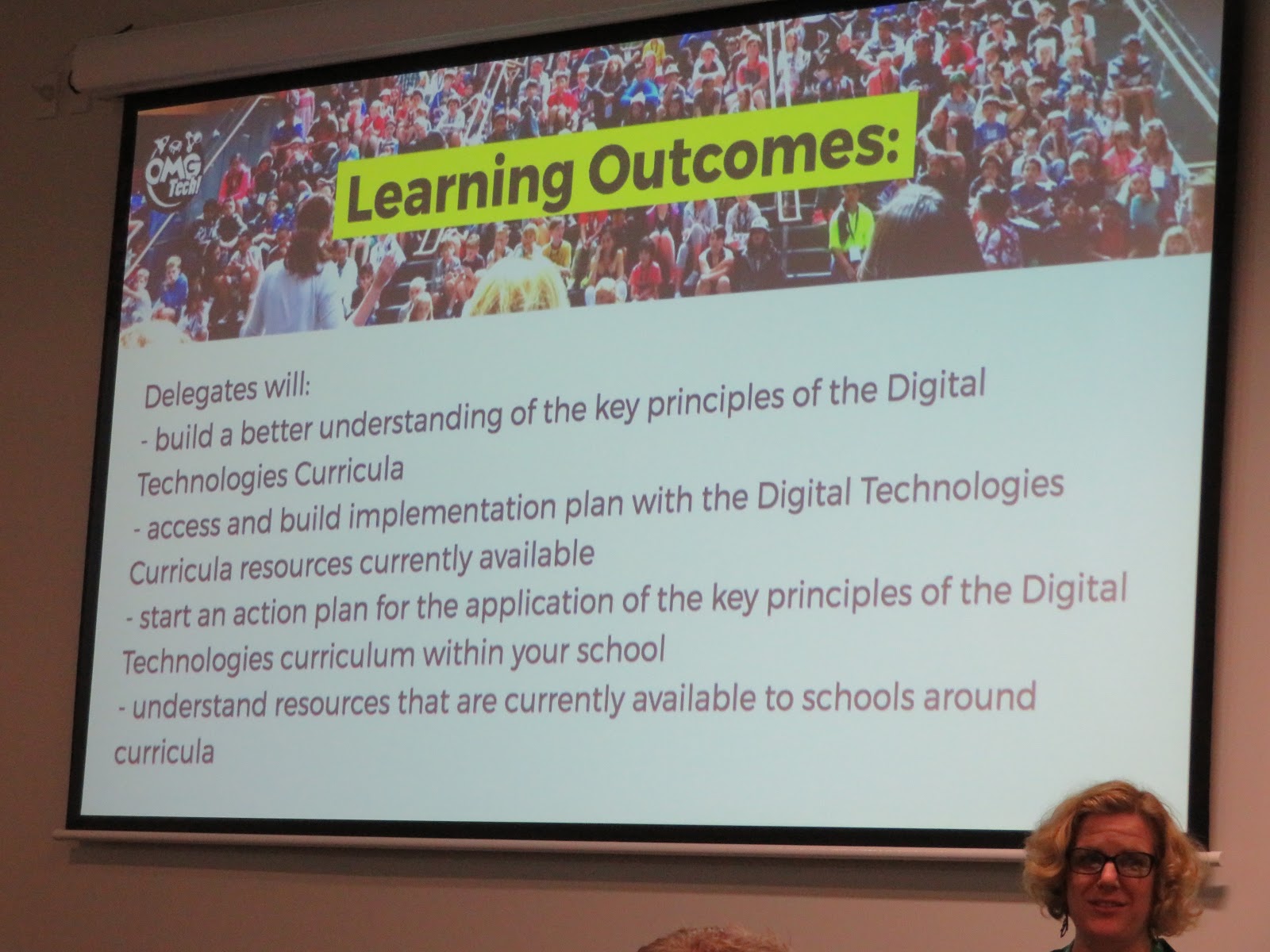
Learning Outcomes:

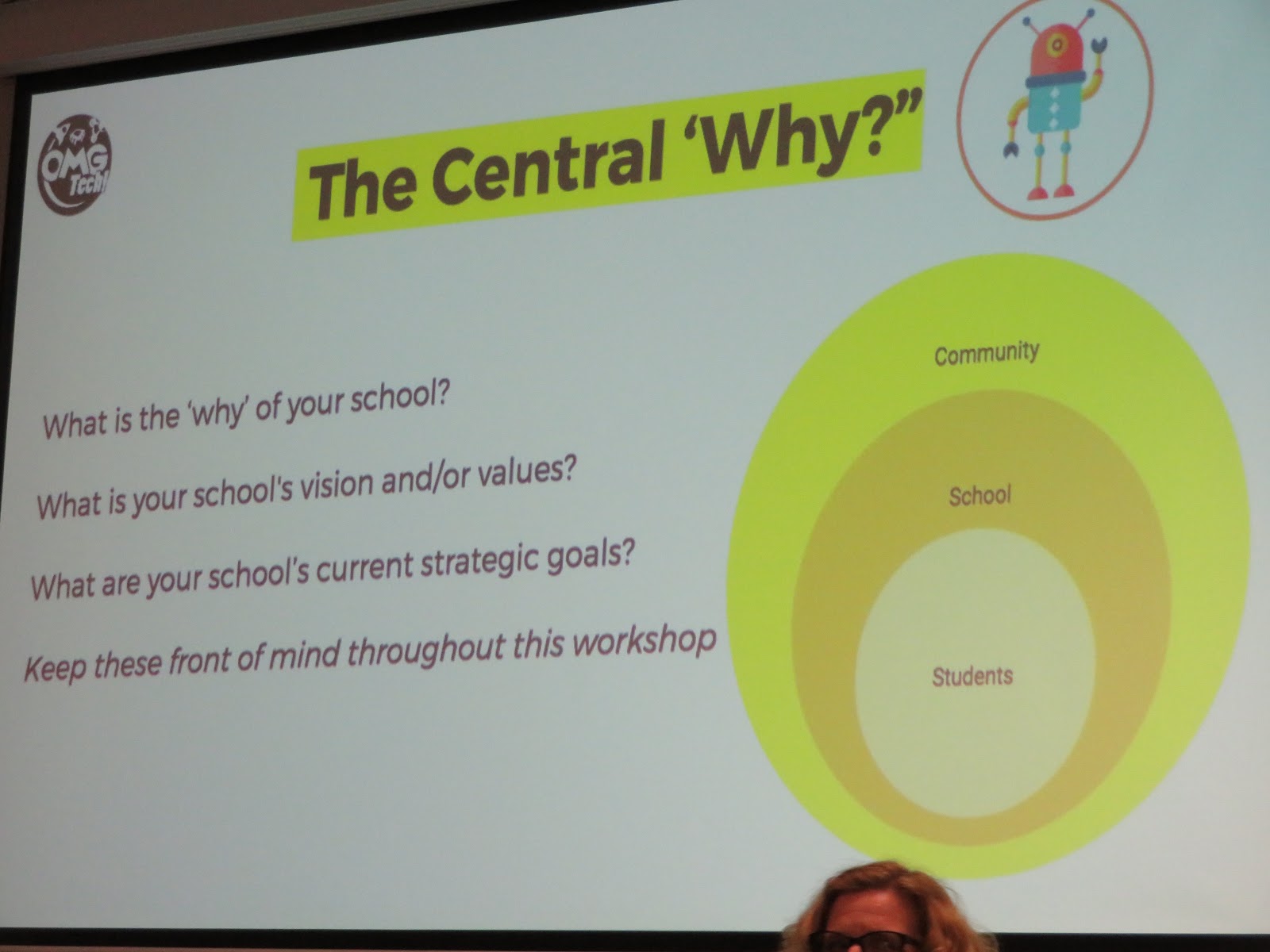
The Central ‘Why?’ - What is the ‘why’ of your school?

Computational thinking for digital Technologies:
Comp Thinking enables a student to express problems

3 main areas of focus for the new digital technology curriculum:
Algorithms
Programming
Computational Thinking

An Algorithm is the set of instructions created through logical thinking (a process or set of rules to be followed in calculations or other problem-solving operations, especially by a computer.)

Programme - when an algorithm goes into a computer (provide (a computer or other machine) with coded instructions for the automatic performance of a task)

Computational Thinking - the thought processes involved in formulating a problem and expressing its solution(s) in such a way that a computer—human or machine—can effectively carry out.

Students need to have a basic understanding of ‘binary’
(Binary describes a numbering scheme in which there are only two possible values for each digit: 0 and 1)

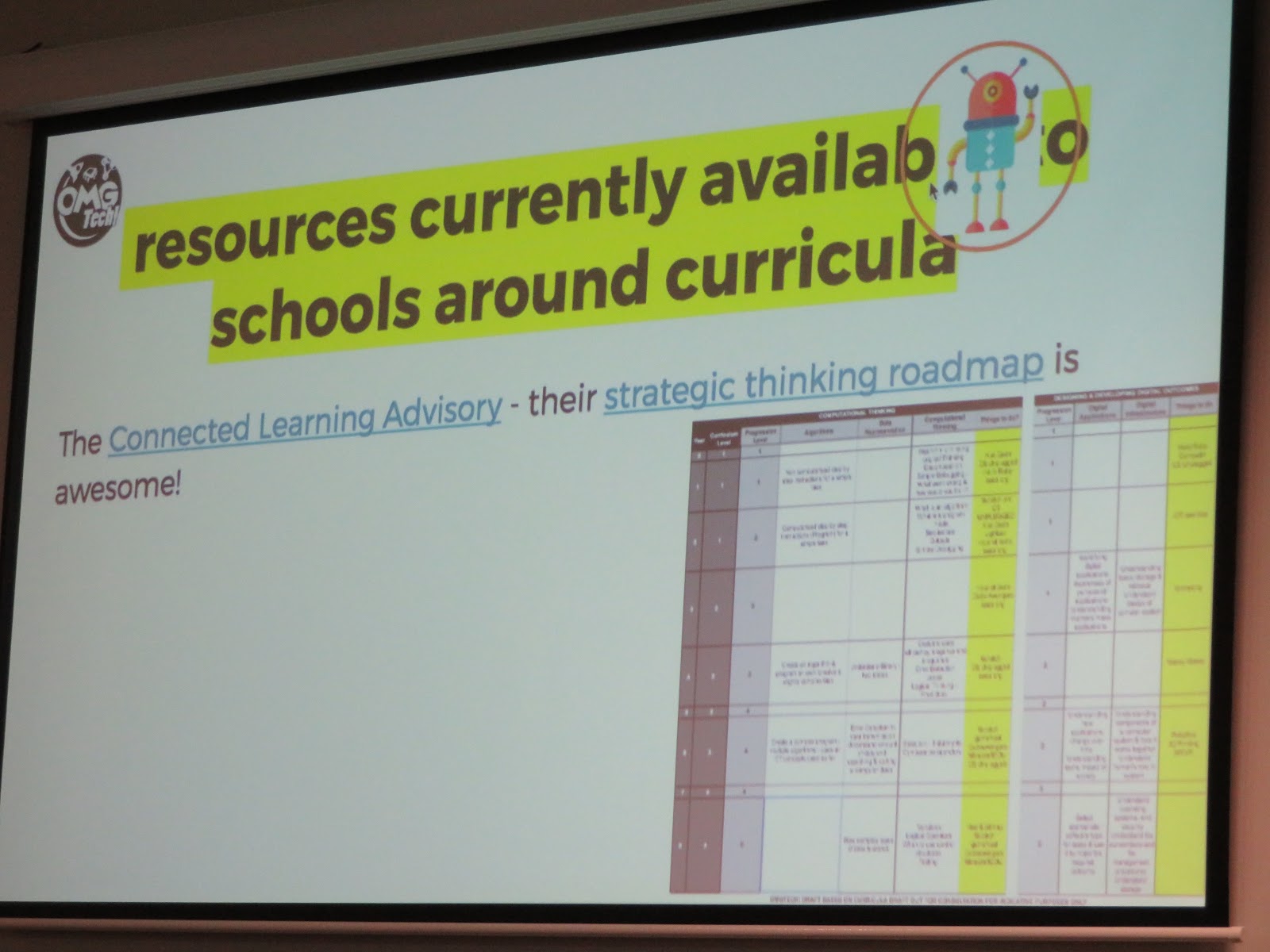
We were provided with a sheet with curriculum and progression levels - Year 0 to Year 8. Shows possible progressions and programmes to use.

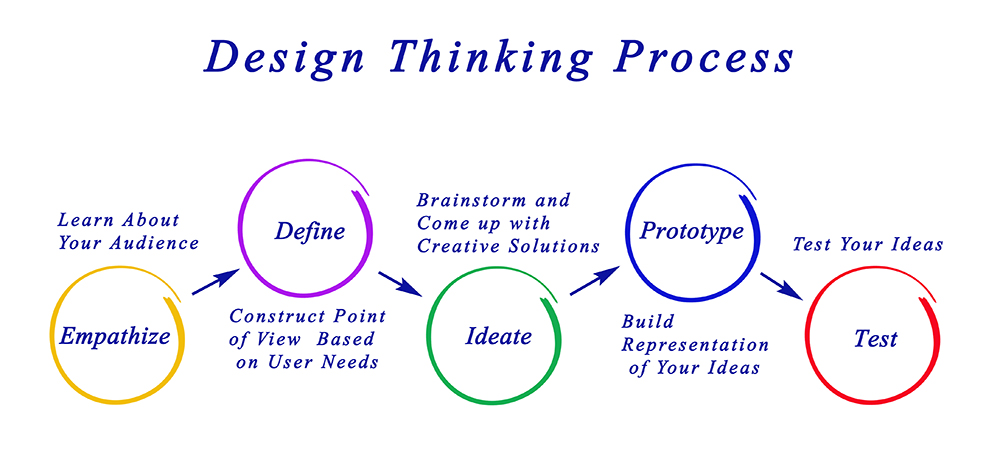
Design Thinking Process:
Empathise
Define - a problem well defined is a problem half solved
Ideate -
Prototype - try it out, what worked? What didn’t?
Test


ULearn 2017 - Day 1: Computational Thinking

Computational Thinking - Breakout 2


Integrating coding (computational thinking) into your classroom programme
Presenter: David Kinane


David has an amazing site that we could access to try out some of the things that he talked about - Computational Thinking


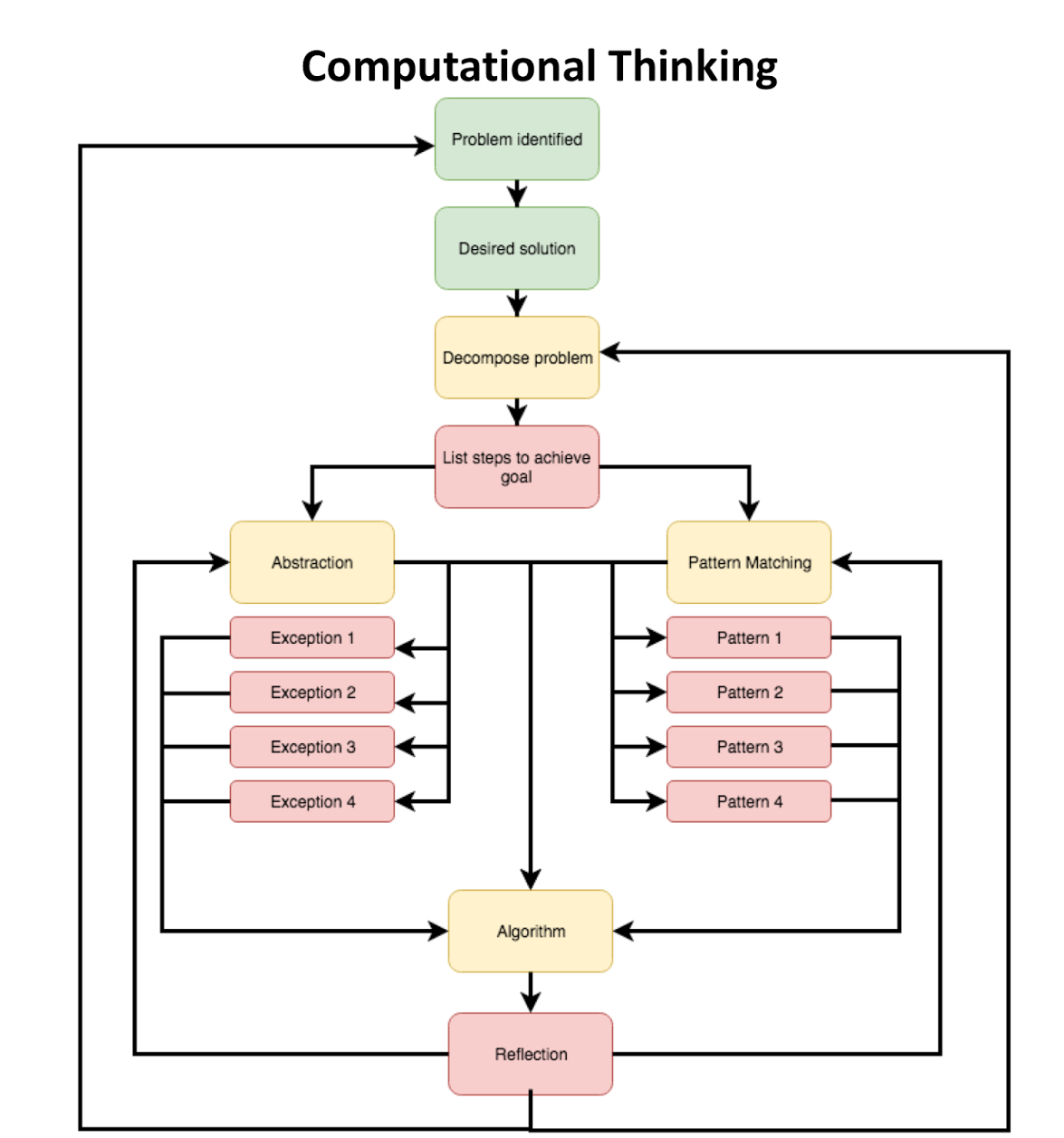
By using a programme e.g. Scratch, students will identify a problem, list steps to achieve a goal, pattern match, create an algorithm, then reflect.


Early years basics - useful for Junior teachers


3 main areas of Focus:
  1. Makey Makey using Scratch
  2. Arduino
  3. Drone

I was at a table which had the Makey Makey gear so I used it to create a mini keyboard using playdough. We have used Makey Makey and Scratch before in my Year 7 & 8 Extension class. I have no idea how to use the Arduino kit so will need to look more into this when I’m back at school. I didn’t get the chance to fly the drone, but I’m not too worried.

ULearn 2017 - Day 1: Augmented Reality

Augmented Reality - Melanie Langlotz


Break out 1: The presenter spent the first half of the session providing a range of examples of different AR apps. Then spent the second half talking about the Magical Parks app.


Augmented reality vs virtual reality


GEO A.R. Games


Virtual = 100% synthetic
Augmented = mixed world. Live video feed and on top = 2D video graphics
1960 = start of augmented reality via TV live feeds


Education:
Fire NZ - VR get out of the house


Diff types of AR - 1. image recognition


Aurasma app -
Can make card/vocab come alive, select a character
Hold tablet/phone over card. For better tracking of image/word can add a border with dots.


2. Tracking


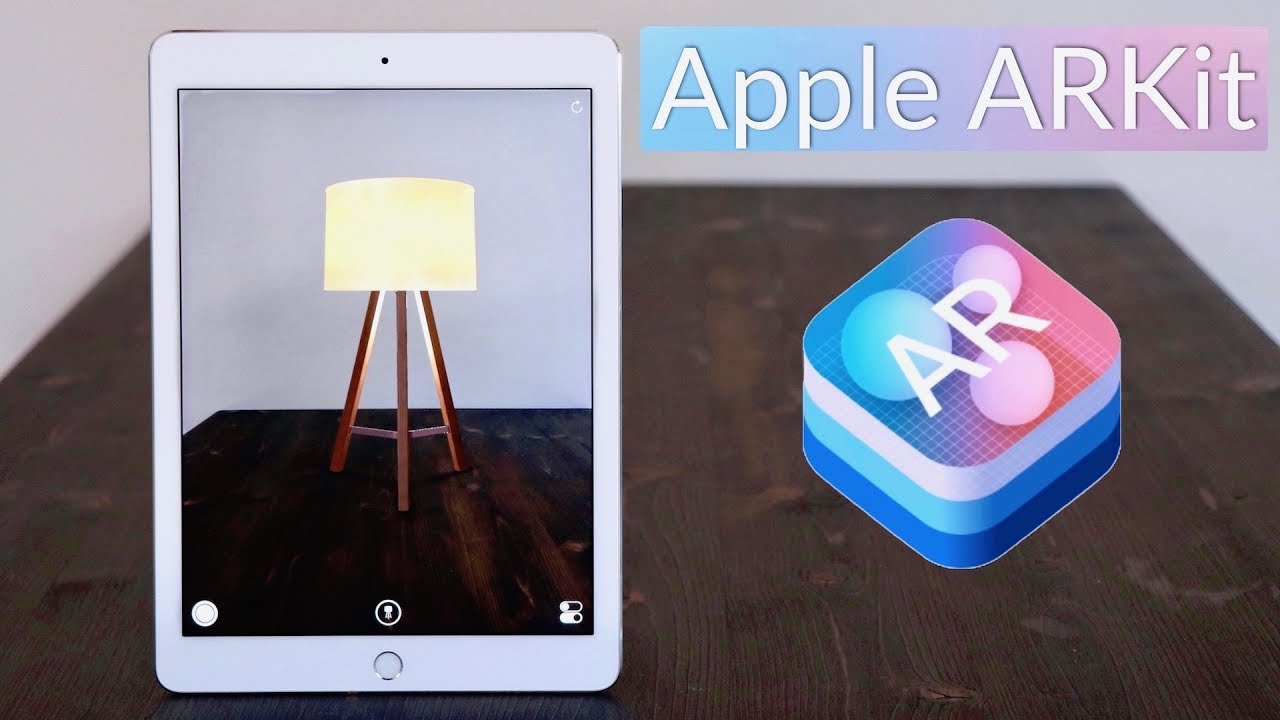
AR kit   

Placing an animated object into a real world environment (tracking) only available in latest IOS phones, can use ipad 2012


3. Geospatial e.g. Pokemon Go (combines augmented reality with GPS)


Blurring lines between reality and augmented reality


Mobile devices and hardware sensors make a difference


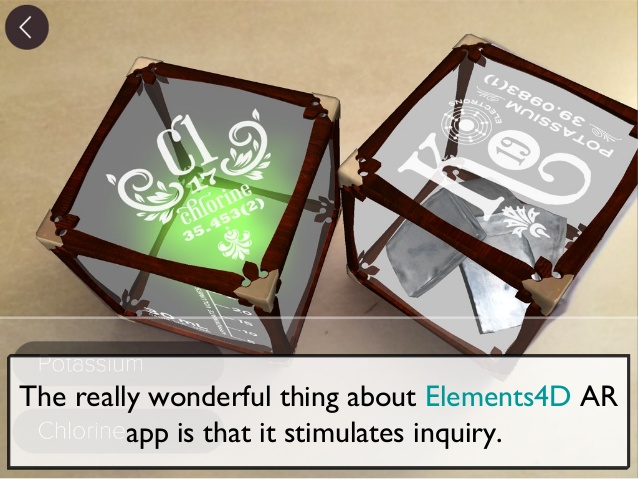
Elements 4D app


Apple ArKit augmented reality - Minecraft


Mixing real world/environment and minecraft.


Human brain tends to remember 90% of what it does or stimulates


Microsoft HoloLens - holographic computer that you wear ($3,000)


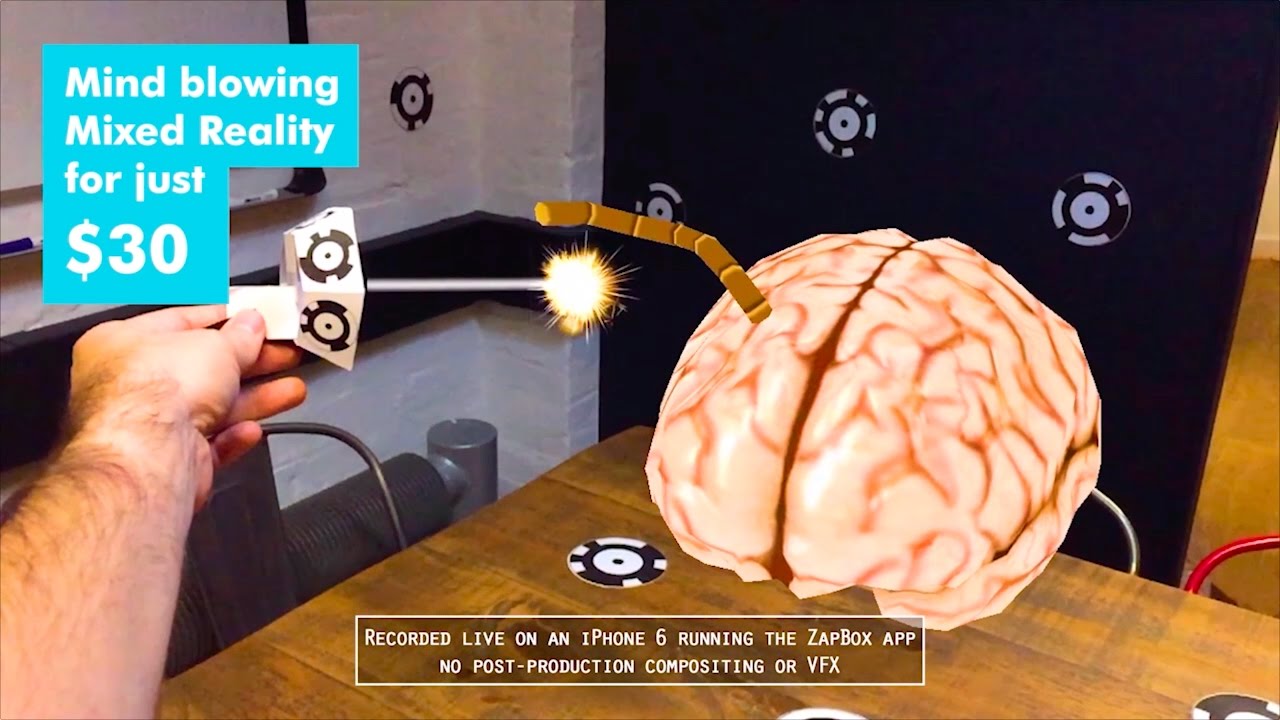
ZapBox - uses mobile devices - mixed reality (MR)
Put point codes around environment - scan, use headset


Quiver -


Magical Park - digital park. Melanie Langlotz CEO of this app. Encouraging students to go outside more.
4 different worlds
Team missions
Ethical gaming - no ads, purchases etc, free to play
Partnership between MP and schools
Different uses for MP in schools e.g. reward, PE, motivation to read, game design, connect older and younger students
Offering a free 2month trial for schools


Next step - getting kids to build their own worlds and design their own games.


What’s the Plan Stan? - Auckland Civil Defence - Teach kids the 6 impact strategies


Disaster scenarios - kids are encouraged to collect items needed
Games will be ready in April 2018


CoSpaces - Stonefields School uses this


ULearn 2017 - Day 1: Keynote Speaker Eric Mazur

Eric Mazur - Ulearn 17


This was our first Keynote speaker for ULearn 2017. He is a physicist and educator at Harvard University. He began lecturing 30 years ago, before computers. He noticed that not much had changed in the way students were taught over hundreds of years. The lecturer or teacher stood at the front and students took notes.
Knowledge is something that needs to be constructed in the brain of the learner - not transmission
Mazur used to hand out notes after class to ensure that students stayed. He questions whether education is merely the transfer of information? Students tend to be passive observers, there was a lot of rote memorising, but students did not make sense of underlying material
Talked about thinking of education as a 2 step process. There needed to be an opportunity for students to assimilate information
  1. Transfer of information (in class)
  2. Assimilation of that information (out of class) - teachers should focus on this!
Teach by questioning rather than by telling - first taught by Socrates
Mazur talks about a particular lesson involving Newtons law of physics/motion etc. students were confused so Mazur told students to talk to each other to figure it out.
Students can explain something better to another student/beginning learner because its so clear in their mind - can still remember difficulties in learning it


  1. Question
  2. Think
  3. Poll (what students think, first choice)
  4. Discuss (peer discussion)
  5. Repoll (2nd answer)
  6. Explain (teacher to explain why)
  7. (then cycle repeats)


Students are asked to try and convince other students to listen to what they think
Active class - students cannot be passive, teacher doesn’t have to wait until assessment. Good for students to see where they sit in comparison to the class.
Personalises the learning because students can help each other
Thermal expansion - why do solids expand? Atoms get further away when it gets hotter
Question posed about rectangle metal plate with a circular hole in it. If heated what will happen? We made a choice then talked about it. (increase, same, decrease)
Question asked by teacher
  1. You made a commitment
  2. You externalised your answer
  3. You moved from the answer/fact to reasoning
  4. You became emotionally invested in the learning process


Peer Instruction
= higher learning gains
= better retention
How to effectively transfer information outside of the classroom?
Students need time in class to think
Need time to absorb and think about information
Problems with just video only approach is that students tend to fast forward, attention wanes


Reading - transfer pace set by reader, viewer active
Brain is more active when reading rather than watching videos
Education is a social experience
Wants:
Every student prepared for every class
Solution:
Turn out of class component also into a social interaction


‘Perusall’ - social learning platform. Talks about the Perusall app - great way to engage students. Students are encouraged to read and ask questions. Teacher can view students questions and see where areas of confusion are.
Collaborative process - students can type in questions and other students can type in responses to question
Use combination of intrinsic and extrinsic learning
Rubric based assessment